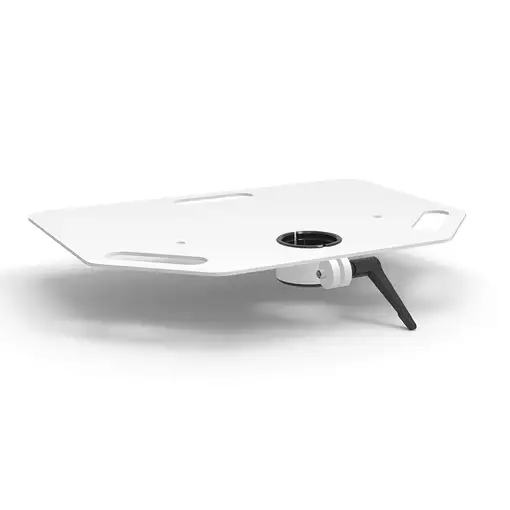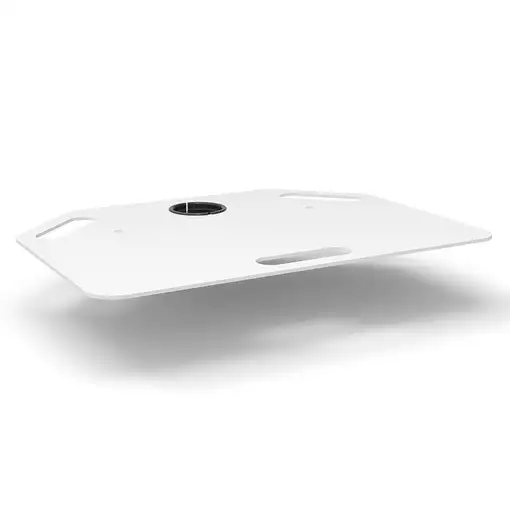


Compulocks MCSF01W accesorio para soporte de monitor

Compulocks MCSF01W accesorio para soporte de monitor

Compulocks MCSF01W accesorio...

Compulocks MCSF01W accesorio para soporte de monitor

  0
Compulocks MCSF01W accesorio para soporte de monitor
Compulocks MCSF01W accesorio para soporte de monitorCompulocks MCSF01W accesorio para soporte de monitorCompulocks MCSF01W accesorio para soporte de monitor
Sold by GreaTecno
from 7 to 11days
Now 139,08

Home Delivery:

  • Installation not included  FREE
  • Installation included  8 €
We recommend that you check the product when you receive it to confirm all its details since you will be able to find more detailed and up-to-date information about the product.
  • Characteristics

REF: MCSF01W EAN: 0854249006916
Compulocks MCSF01W. Tipo de producto: Estantería, Color del producto: Blanco, Material de la carcasa: Metal. Cantidad por paquete: 1 pieza(s)

General information

  • Manufacturer reference: MCSF01W
  • Brand: COMPULOCKS
  • Colour: White
  • Model: MCSF01W
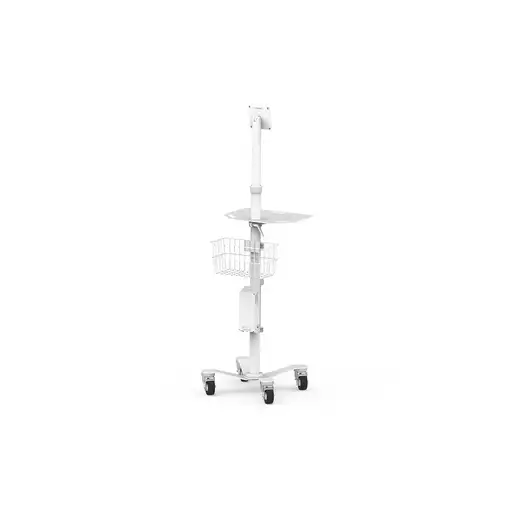
  • Compatible with Model: Rise Freedom Rolling Kiosk

Physical characteristics

  • Width: - cm
  • Height: - cm
  • Depth: - cm
  • Weight: - kg
  • Material: Metal

Security Resources and Products

  • GPSR Manufactures Name: Compulocks
  • GPSR Manufacturer Postal Address: -
  • GPSR Email Manufacturer: -
  • GPSR Corporate Website Manufacturer: -
  • GPSR Name Person Responsible EU: -
  • GPSR Postal Address Responsible Person EU: -
  • GPSR Email Responsible Person EU: -
  • GPSR Warning or Product Safety Information: -
Customer reviews (0)
0 out of 5 stars
Customer reviews
Be the first one to review it!
Add Eroski online to your home screenCerrar
Add Eroski online to your home screen

Click on the icon , then on "Add page to" and then click on "Home screen".

Click on the icon , then select "Add to Home Screen".

EROSKI uses its own cookies and those of third parties. If you expressly accept our cookies policy or continue browsing through different pages, accessing different...

Show full text

EROSKI uses its own cookies and those of third parties. If you expressly accept our cookies policy or continue browsing through different pages, accessing different areas and menus, this affirmative action implies your acceptance of their installation and use. For more information, please click here.

XClose cookie warning

eroski-gcp-front-dpl-646d6b9fc7-v89z5

10.9.4.0