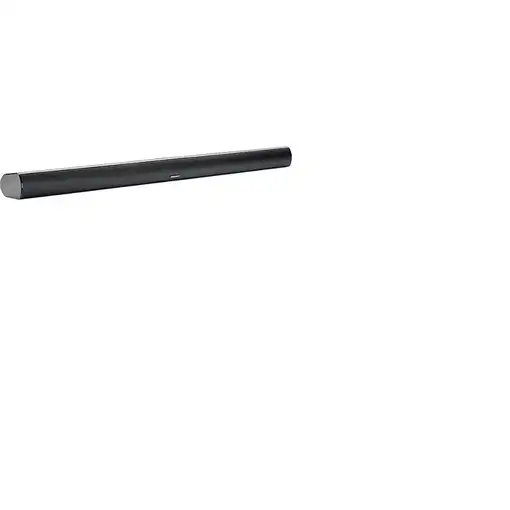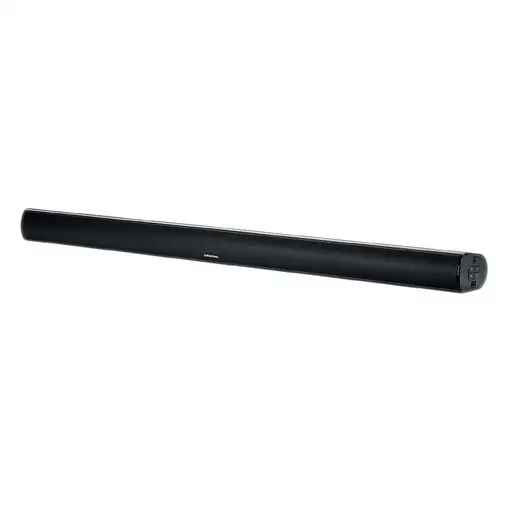


Grundig GSB 910 Negro 40 W

Grundig GSB 910 Negro 40 W

Grundig GSB 910 Negro 40 W

Grundig GSB 910 Negro 40 W

  0
Grundig GSB 910 Negro 40 W
Grundig GSB 910 Negro 40 WGrundig GSB 910 Negro 40 W
Sold by Electrowifi
from 3 to 5days
-17%
90,87BeforeNow 75,10

Home Delivery:

  • Shipping costs  FREE
We recommend that you check the product when you receive it to confirm all its details since you will be able to find more detailed and up-to-date information about the product.
  • Characteristics

REF: GSB910B EAN: 4013833017417
Grundig GSB 910. Potencia estimada RMS: 40 W. Potencia de la barra de sonido del altavoz RMS: 40 W. Color del producto: Negro. Tecnología de conectividad: Inalámbrico y alámbrico. Voltaje de entrada AC: 100 - 240 V, Frecuencia de entrada AC: 50 - 60 Hz

General information

  • Manufacturer reference: GSB910B
  • Brand: GRUNDIG
  • Colour: Black
  • Model: GSB 910
  • Extra content included in the box: Guía de configuración rápida,Cantidad:1

Physical characteristics

  • Width: 88 cm
  • Height: 6.2 cm
  • Depth: 8 cm
  • Weight: - kg

Technical Features

  • High Resolution Audio: No
  • Artificial intelligence: No
  • Subwoofer: No
  • Signal transmission: Wireless and wired
  • Voice control: No
  • Bass Reflex: No

Equipment

  • W-LAN interface: No
  • Connections: Bluetooth

Data + Connections

  • NFC: No
  • Bluetooth: Yes

Speaker

  • Wireless subwoofer: No
  • RMS power: 40 W

Security Resources and Products

  • GPSR Manufactures Name: Grundig
  • GPSR Manufacturer Postal Address: -
  • GPSR Email Manufacturer: -
  • GPSR Corporate Website Manufacturer: -
  • GPSR Name Person Responsible EU: -
  • GPSR Postal Address Responsible Person EU: -
  • GPSR Email Responsible Person EU: -
  • GPSR Warning or Product Safety Information: -
Customer reviews (0)
0 out of 5 stars
Customer reviews
Be the first one to review it!
Add Eroski online to your home screenCerrar
Add Eroski online to your home screen

Click on the icon , then on "Add page to" and then click on "Home screen".

Click on the icon , then select "Add to Home Screen".

EROSKI uses its own cookies and those of third parties. If you expressly accept our cookies policy or continue browsing through different pages, accessing different...

Show full text

EROSKI uses its own cookies and those of third parties. If you expressly accept our cookies policy or continue browsing through different pages, accessing different areas and menus, this affirmative action implies your acceptance of their installation and use. For more information, please click here.

XClose cookie warning

eroski-gcp-front-dpl-cb598d74f-swc9h

10.9.4.0