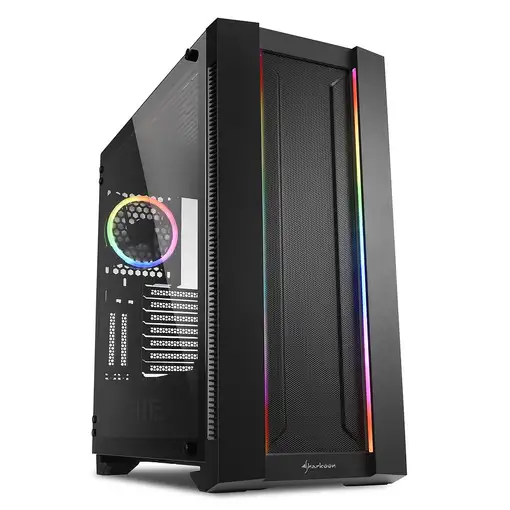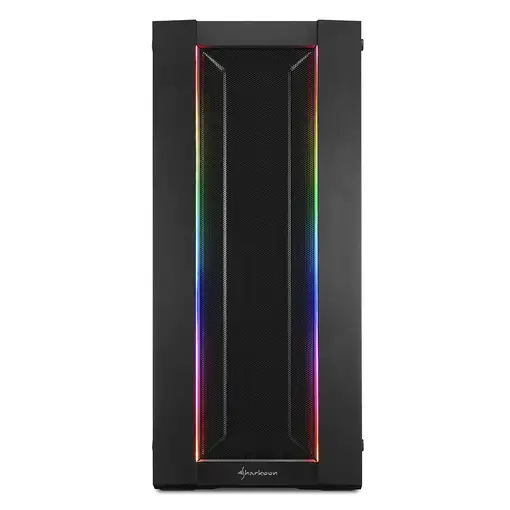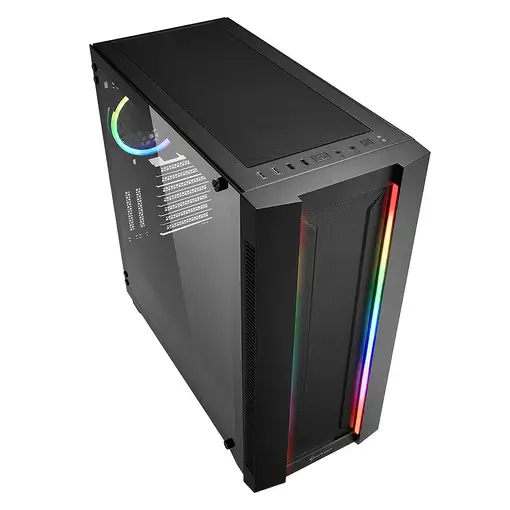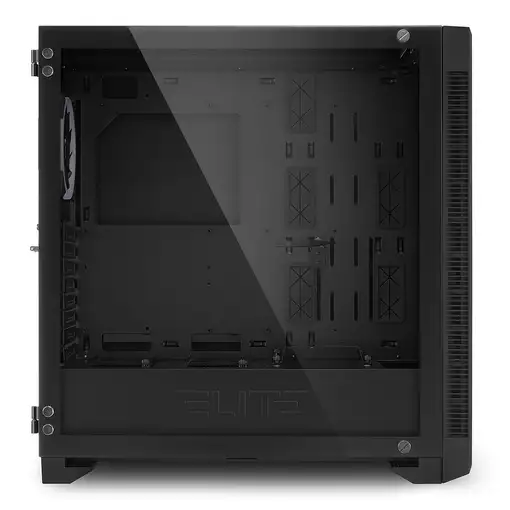


Sharkoon ELITE SHARK CA200M Midi Tower Negro

Sharkoon ELITE SHARK CA200M Midi Tower Negro

Sharkoon ELITE SHARK CA200M...

Sharkoon ELITE SHARK CA200M Midi Tower Negro

  0
Sold by Leasi
from 3 to 7days
-19%
249,99BeforeNow 200,99

Home Delivery:

  • Installation not included  FREE
  • Installation included  FREE
We recommend that you check the product when you receive it to confirm all its details since you will be able to find more detailed and up-to-date information about the product.
REF: 4044951027156 EAN: 4044951027156
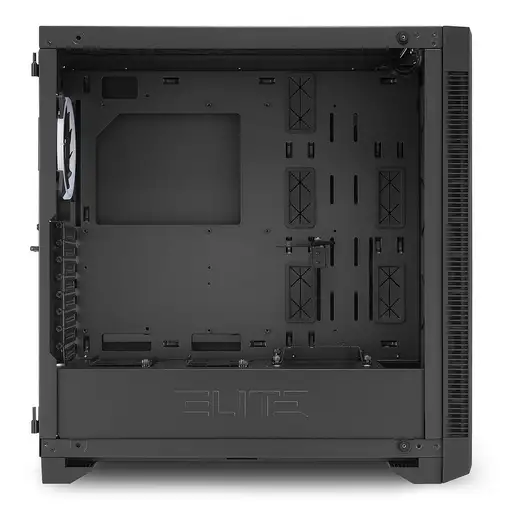
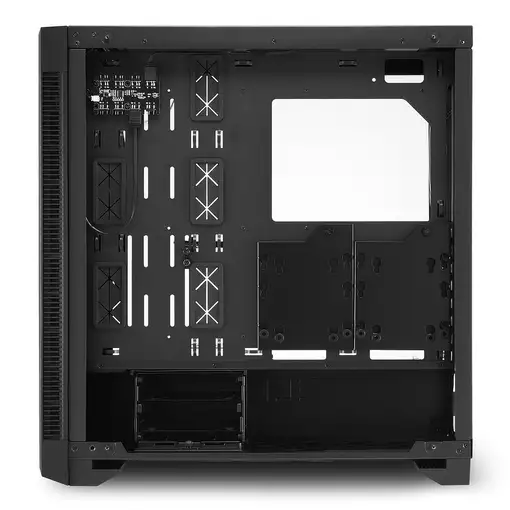
La CA200M de la serie ELITE SHARK es una completa e inmensa torre E-ATX. Esta caja de PC destaca con su iluminación RGB, prestaciones de tecnología punta y un diseño gaming basado en la más fina elegancia. La CA200M atiende a las necesidades de tanto aficionados del hardware como de serios entusiastas por igual: contiene un amplio espacio para ventiladores y radiadores, ofrece posibilidades de instalación horizontal y vertical para tarjetas gráficas, abundante espacio para el soporte de la bomba de refrigeración por agua y, incluso después de todo esto, espacio aún para grandes componentes de hardware de alta gama.

General information

  • Manufacturer reference: 4044951027156
  • Brand: SHARKOON
  • Colour: Black
  • Model: 70321 CA200M
  • Extra content included in the box: Manual de usuario
  • Manufacturer series: 70321

Physical characteristics

  • Width: 24 cm
  • Height: 51.7 cm
  • Depth: 50.6 cm
  • Depth: 50.6 cm
  • Weight: 11.5 kg

Security Resources and Products

  • GPSR Manufactures Name: Sharkoon
  • GPSR Manufacturer Postal Address: -
  • GPSR Email Manufacturer: -
  • GPSR Corporate Website Manufacturer: -
  • GPSR Name Person Responsible EU: -
  • GPSR Postal Address Responsible Person EU: -
  • GPSR Email Responsible Person EU: -
  • GPSR Warning or Product Safety Information: -
Customer reviews (0)
0 out of 5 stars
Customer reviews
Be the first one to review it!
Add Eroski online to your home screenCerrar
Add Eroski online to your home screen

Click on the icon , then on "Add page to" and then click on "Home screen".

Click on the icon , then select "Add to Home Screen".

EROSKI uses its own cookies and those of third parties. If you expressly accept our cookies policy or continue browsing through different pages, accessing different...

Show full text

EROSKI uses its own cookies and those of third parties. If you expressly accept our cookies policy or continue browsing through different pages, accessing different areas and menus, this affirmative action implies your acceptance of their installation and use. For more information, please click here.

XClose cookie warning

eroski-gcp-front-dpl-5c7f489b7f-pk4vc

10.4.1.2

Do you need help?